
yt-dlp
yt-dlp is a free, public-domain command-line program for downloading video and audio from YouTube and many other video sites.
Windows
Open source

Youtube Downloader HD is a free Windows tool from Mega Soft that saves online videos to your computer. It runs on Windows 7, 8, 10 and 11.
Average 0.0 · ratings: 0
Thank you! Your rating is saved; you can change it. Could not save the rating. Please try again later. Too many ratings from your network today. Please try again tomorrow. The average appears after 5 ratings.
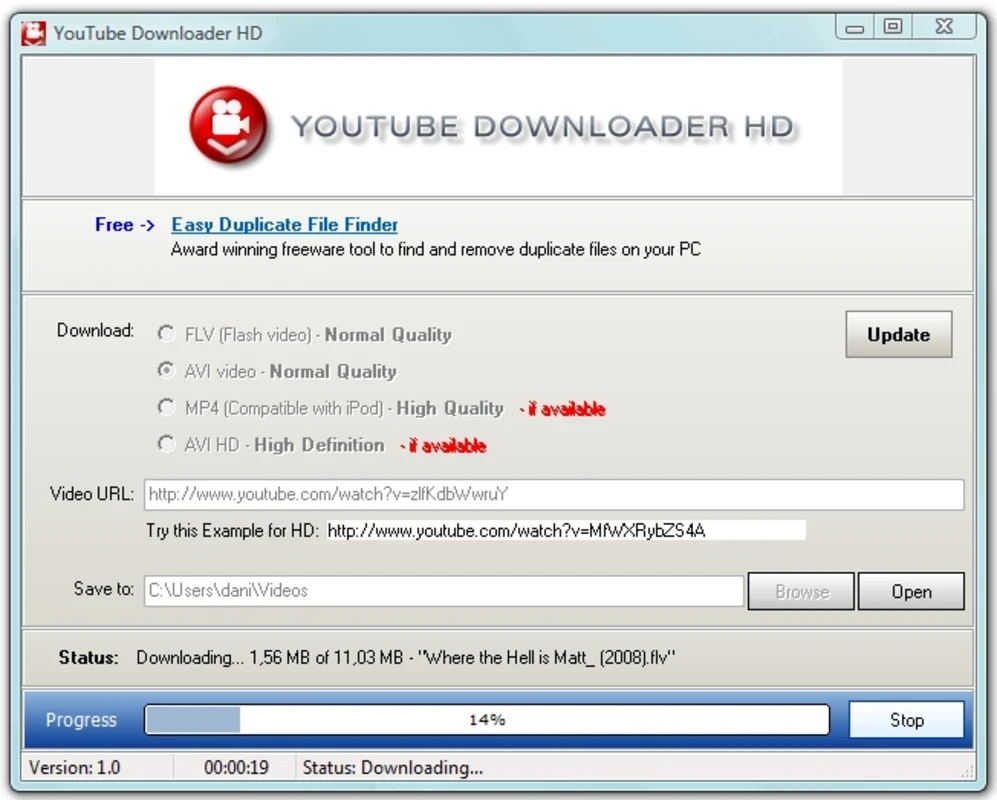
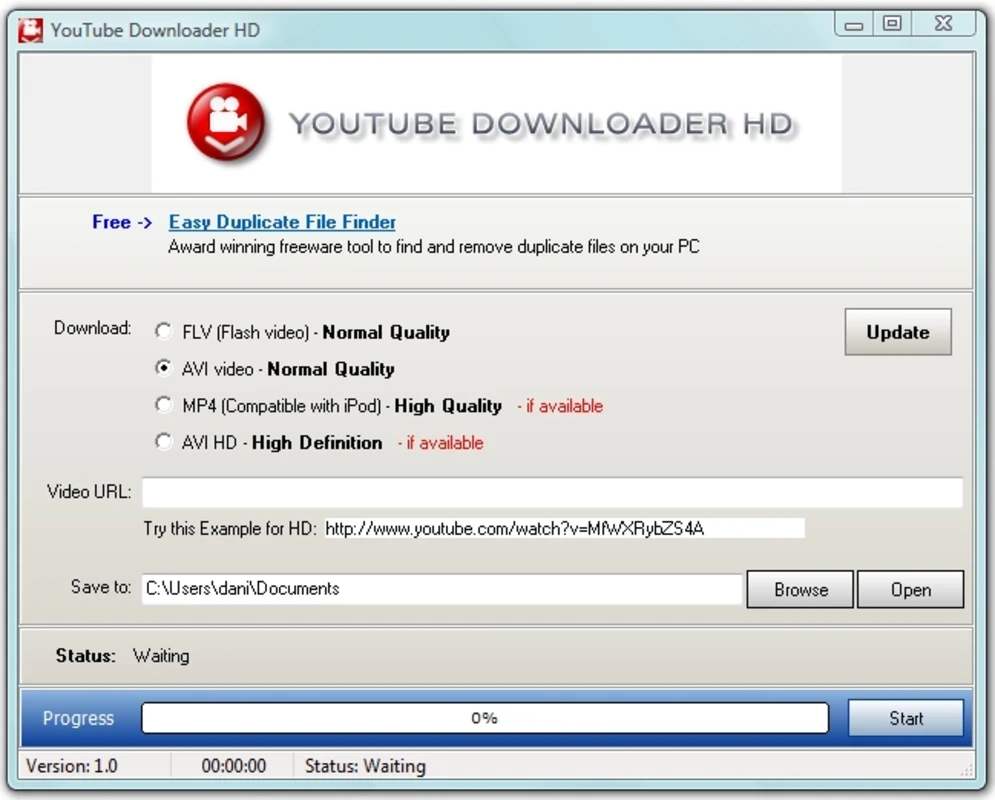
Youtube Downloader HD 6.0.0.1 is a free Windows program from Mega Soft that saves online videos to your computer so you can watch them offline. You can download it from the developer's official site; it runs on Windows 7, 8, 10 and 11, with a separate release for older systems.
The program is aimed at people who want a small desktop tool with a single job: paste a video link, choose the quality and save the file. It suits students keeping lectures for a train ride without signal, teachers preparing material for a classroom with an unreliable connection, and anyone who wants a copy of their own uploads. It is less suited to users who need batch downloads of whole channels, subtitles in many languages or advanced conversion settings; tools built for that exist and are listed below. It is also worth being honest about the limits: saving videos is only allowed when you own them, when the uploader permits it or when local law allows a private copy, and YouTube's own terms restrict downloading outside its apps. Used within those rules, a simple downloader is a convenient way to have a video available when the internet is not.
| Item | Details |
|---|---|
| Version | 6.0.0.1 |
| Developer | Mega Soft |
| Windows | 7, 8, 10, 11 |
| Older systems | XP and Vista via a special release |
| Windows 7 option | version 5.8.2 |
| Licence | Freeware |
| Size | about 37.22 MB according to catalogue data |
On Windows 7 and 8, downloads can fail with error 12029. The developer's features page offers a hotfix and a system update for those users, and Windows 7 users can also choose version 5.8.2, which is kept for that system.
Pick the quality you actually need: a lecture or a podcast rarely needs the highest resolution, and smaller files are quicker to save and easier to move to a phone. Keep downloads in one folder with clear names so you can find them later, and delete videos you no longer need. If a download suddenly stops working for every link, check the developer's site for a newer release before trying anything else, because video sites change often.
Take the installer only from the developer's site. Video downloaders are frequently repackaged with adware on third-party portals, so if your antivirus warns you about a copy found elsewhere, delete it.
Our listings include 4K Video Downloader, ClipGrab, Freemake Video Downloader and yt-dlp for saving online video, and aTube Catcher for downloading and recording.
yt-dlp is a free, public-domain command-line program for downloading video and audio from YouTube and many other video sites.

SHAREit is a free Windows app from the SHAREit Team for moving photos, videos and documents between a PC and a phone. The current version is 5.1.0.7.

Zapya for Windows is a free file transfer app from DewMobile for moving files between a PC and phones over a local wireless connection.

Easy Connection to Screen is Samsung's Windows app for showing a PC's screen on a compatible Samsung TV over a wireless connection.

Internet Download Manager (IDM) is a shareware download manager for Windows from Tonec that accelerates, resumes and schedules downloads.

uTorrent (μTorrent) is a small BitTorrent client for Windows from Rainberry (BitTorrent Inc) for downloading and sharing files over torrents.

AnyDesk is a remote desktop application for connecting to and controlling another computer over the internet, from a small Windows program.

ShareMe is Xiaomi's free app for sending files between devices without a cable; on Windows the Android app runs only inside an emulator.

Xender is a free file sharing app from the Xender File Sharing Team for sending files between phones and computers over a local connection.